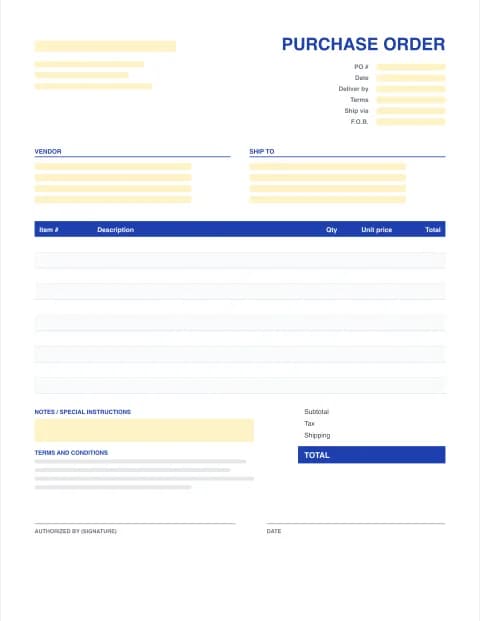
Purchase Order Template for Word
An editable .docx purchase order you can brand and reuse. Download the blank Word template, or fill in the maker below and get a Word file with every total already calculated.
- Editable .docx
- Word, Google Docs & Pages
- Totals done in the maker
- No signup
Online purchase order maker
Built in your browser. Your PO data never leaves your device.
Your Company Name
Street address, City, State ZIP
purchasing@company.com · (555) 555-0100
PURCHASE ORDER
- PO #
- PO-0001
- Date
- -
- Terms
- Net 30
- Ship via
- Ground
- F.O.B.
- FOB Destination
VENDOR
Vendor name
Vendor address
orders@vendor.com
SHIP TO
Ship-to name
Delivery address
| Description | Qty / hrs | Rate | Total |
|---|---|---|---|
| Item description | |||
| Item description |
TERMS AND CONDITIONS
1. Quote this PO number on every invoice, packing slip and delivery note. 2. Supply only the items, quantities and prices on this order. Tell us before shipping if anything changes. 3. Partial deliveries need our approval. Goods are accepted after inspection on receipt. 4. Send invoices to the buyer's email above. Payment follows the terms on this order.
- Subtotal
- $0.00
- Tax (0%)
- $0.00
- TOTAL
- $0.00
AUTHORIZED BY (SIGNATURE)
DATE
Made with PO Template Maker · potemplatemaker.com
PRO Do more with PO Pro
Already subscribed? Restore with your licence key
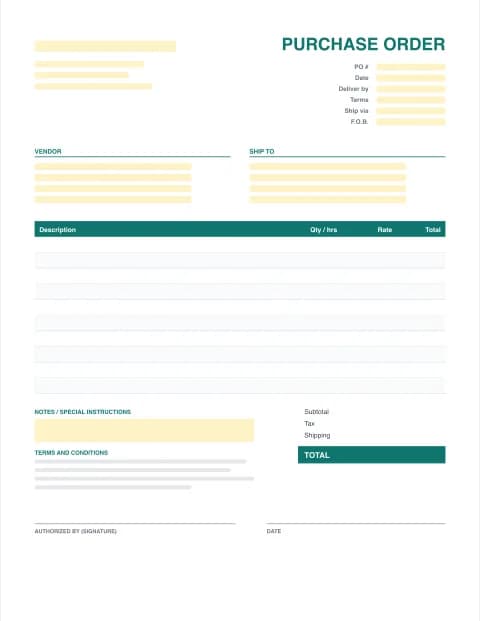
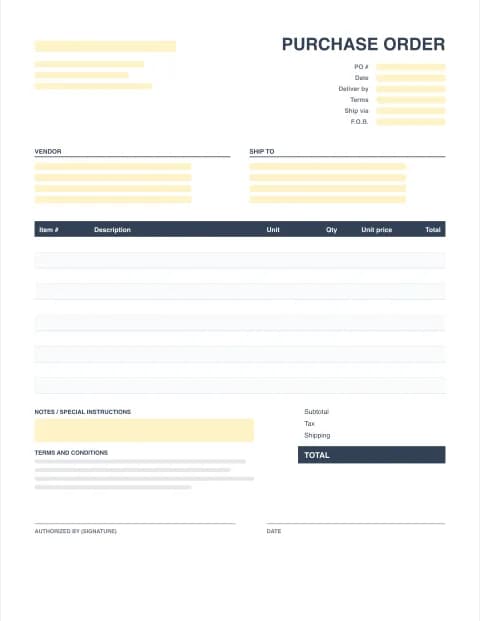
Word purchase order templates (.docx)
By the PO Template Maker editorial team · Last updated · Formulas checked against worked examples
When a Word purchase order makes sense
Word is a good fit when the PO carries more words than numbers: a service order with a scope of work, a PO on company letterhead, or long terms and conditions your legal team wrote. For many lines of stock items, an Excel purchase order is easier because it does the maths.
How to fill out the Word PO template
- Download the standard or service .docx and save a copy named after the PO number.
- Replace the [bracketed] text with your company, the vendor and the ship-to address.
- Fill in the PO number, dates, payment terms, ship via and F.O.B.
- Type each item and work out the line totals, or let the maker above do it.
- Edit the terms and conditions, sign, and save as PDF (File > Save As > PDF) before you send it.
Writing a service purchase order
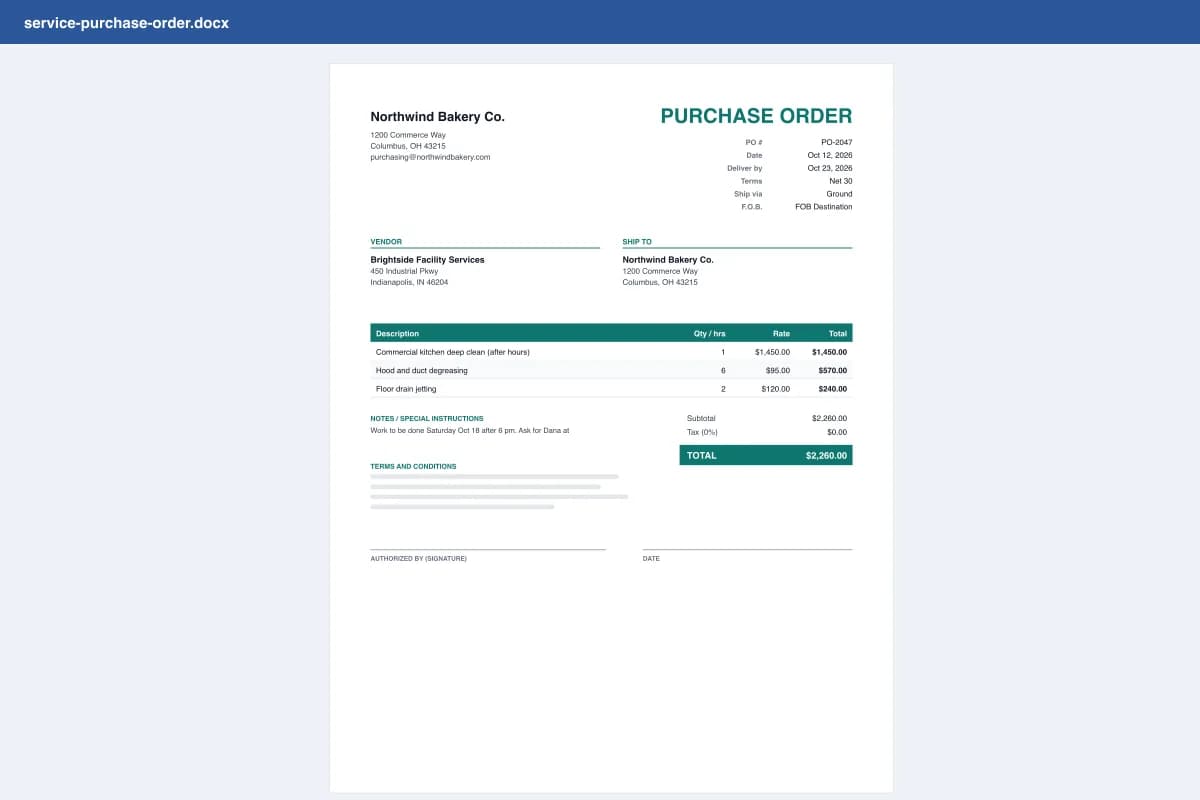
For services, the description does the heavy lifting. A clear line says what, where, when and how it's measured:
- Weak: "Cleaning".
- Strong: "Commercial kitchen deep clean, 1200 Commerce Way, Sat Oct 18 after 6 pm, fixed price incl. supplies".
Put the vendor's quote number in the Reference field, and add anything about access, insurance certificates or completion sign-off to the notes. See more examples on the purchase order templates by industry page.
Microsoft and Word are trademarks of Microsoft Corporation. This site is not affiliated with Microsoft.
Frequently asked questions
Is there a purchase order template in Word?
Yes. Download the blank .docx on this page: it has your company block, vendor and ship-to sections, an item table, totals, terms and conditions and a signature line. It opens in Word, Word for the web, Google Docs, Pages and LibreOffice.
How do I add rows to the Word purchase order table?
Click in the last item row, then choose Layout > Insert Below (or press Tab in the last cell). The table keeps its formatting.
Can Word calculate the purchase order total?
Not reliably. Word table formulas don't update on their own. Fill in the online maker above instead: it calculates every line, tax and shipping and then downloads a Word file with the right numbers already in it.
Can I add my logo to the Word PO template?
In the blank .docx, click above your company name and use Insert > Pictures. In the online maker, PO Pro saves your logo and prints it on every PO in Word, PDF and Excel.
Can I use the Word template in Google Docs?
Yes. Upload the .docx to Google Drive and open it with Google Docs. The layout and table carry over.