Free Purchase Order Template
Fill in your purchase order below and download it as PDF, Excel or Word in about 2 minutes. Totals, tax and shipping add up for you. No signup, no email.
- Totals calculate themselves
- PDF, Excel & Word
- No signup or email
- Runs in your browser
Online purchase order maker
Built in your browser. Your PO data never leaves your device.
Your Company Name
Street address, City, State ZIP
purchasing@company.com · (555) 555-0100
PURCHASE ORDER
- PO #
- PO-0001
- Date
- -
- Terms
- Net 30
- Ship via
- Ground
- F.O.B.
- FOB Destination
VENDOR
Vendor name
Vendor address
orders@vendor.com
SHIP TO
Ship-to name
Delivery address
| Item # | Description | Qty | Unit price | Total |
|---|---|---|---|---|
| Item description | ||||
| Item description |
TERMS AND CONDITIONS
1. Quote this PO number on every invoice, packing slip and delivery note. 2. Supply only the items, quantities and prices on this order. Tell us before shipping if anything changes. 3. Partial deliveries need our approval. Goods are accepted after inspection on receipt. 4. Send invoices to the buyer's email above. Payment follows the terms on this order.
- Subtotal
- $0.00
- Tax (0%)
- $0.00
- TOTAL
- $0.00
AUTHORIZED BY (SIGNATURE)
DATE
Made with PO Template Maker · potemplatemaker.com
PRO Do more with PO Pro
Already subscribed? Restore with your licence key
Free purchase order templates to download
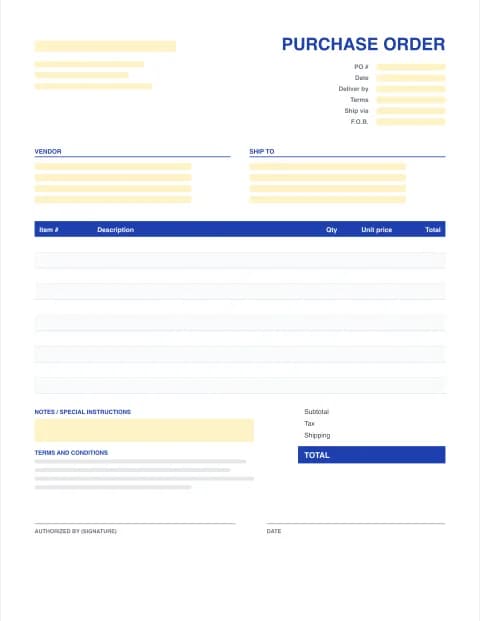
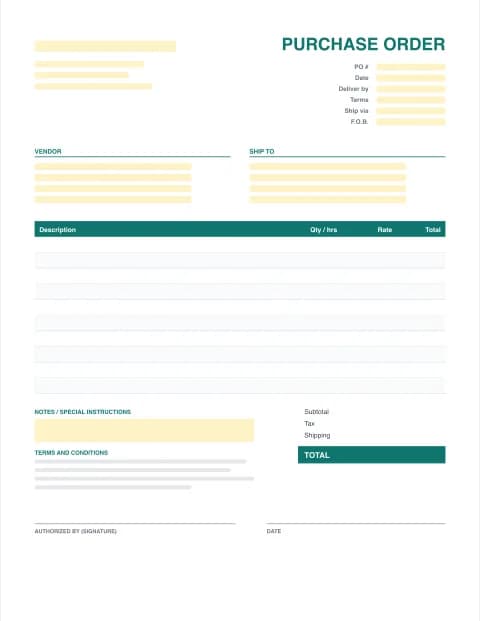
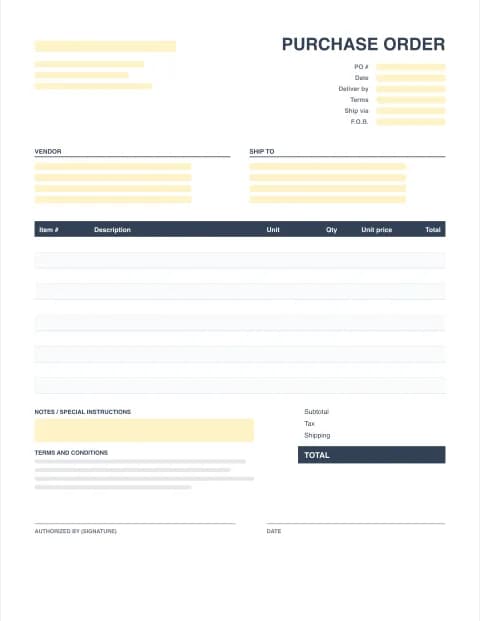
Three blank PO templates, each as a fillable PDF form, an Excel file with formulas and an editable Word document. Want to see one filled in first? Download the sample purchase order (PDF) or the Excel version.
By the PO Template Maker editorial team · Last updated · Formulas checked against worked examples
What is a purchase order?
A purchase order (PO) is the document a buyer sends to a vendor to order goods or services. It lists exactly what you want, how many, at what price, where to deliver it and by when. When the vendor accepts it, the PO becomes the agreed record of the deal, and later you use it to check the delivery and the vendor's invoice before you pay. A good purchase order template saves you from forgetting the details vendors and bookkeepers need.
What to include on a purchase order
- A unique PO number and the PO date. Vendors quote the number on packing slips and invoices.
- Your company details (the buyer): name, billing address, email, phone and, if you buy for resale, your resale or tax ID.
- Vendor details: company, sales contact, address and email.
- Ship-to address if it differs from your office: a warehouse, store or job site.
- Delivery date, shipping method and F.O.B. point (who owns the goods, and pays freight, while they travel).
- Payment terms such as Net 30, Net 15 or 50% deposit.
- Line items: item or SKU number, description, quantity, unit of measure and unit price.
- Subtotal, discount, sales tax, shipping and the PO total.
- Terms and conditions and an authorized signature from whoever approves spending.
Purchase order example
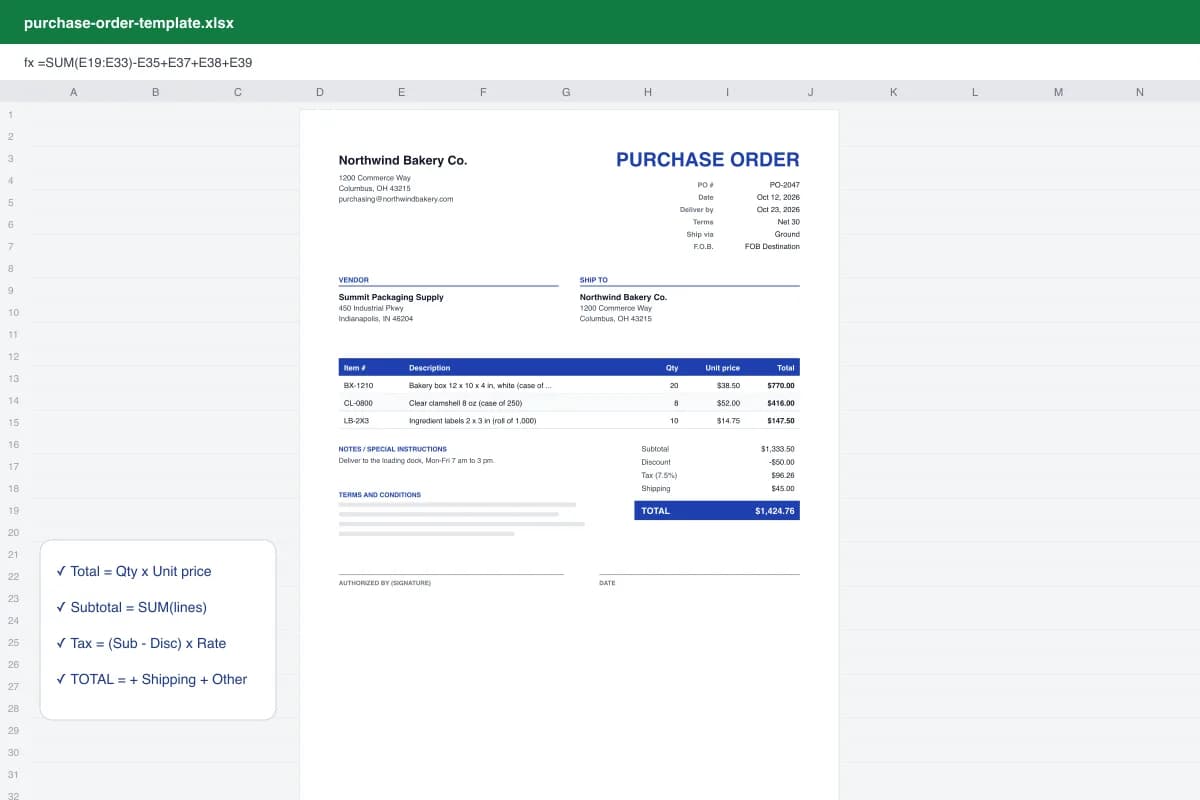
A bakery orders packaging: 20 cases of bakery boxes at $38.50 ($770), 8 cases of clamshells at $52 ($416) and 10 rolls of labels at $14.75 ($147.50). The subtotal is $1,333.50. After a $50 discount, 7.5% sales tax ($96.26) and $45 shipping, the PO total is $1,424.76. That is exactly what our sample purchase order shows, so you can check the maths before using your own numbers.
How to fill out a purchase order (5 steps)
- Add your company and the vendor. Enter your company name and address, then the vendor's name, contact and address. Tick "Same as my company address" or enter a different ship-to address.
- Set the PO number and order details. Give the PO a unique number, the PO date and a deliver-by date, then payment terms (for example Net 30), shipping method and F.O.B. point.
- List the items. Add each item with its item number, description, quantity and unit price. Line totals, subtotal, tax, shipping and the PO total calculate automatically.
- Check the terms and get approval. Review the terms and conditions, add delivery notes, and have the person who approves spending sign the authorized-by line.
- Download and send. Download the PO as PDF to email to the vendor, or as Excel or Word to keep editing. Keep a copy to match against the delivery and the vendor's invoice.
The PO process: from order to payment
A purchase order is the first of three documents. When the goods arrive, someone checks them against the PO and records what was received. When the vendor's invoice arrives, accounts payable compares it with both. This is called the 3-way match: you only pay for what you ordered, at the agreed price, and actually received.
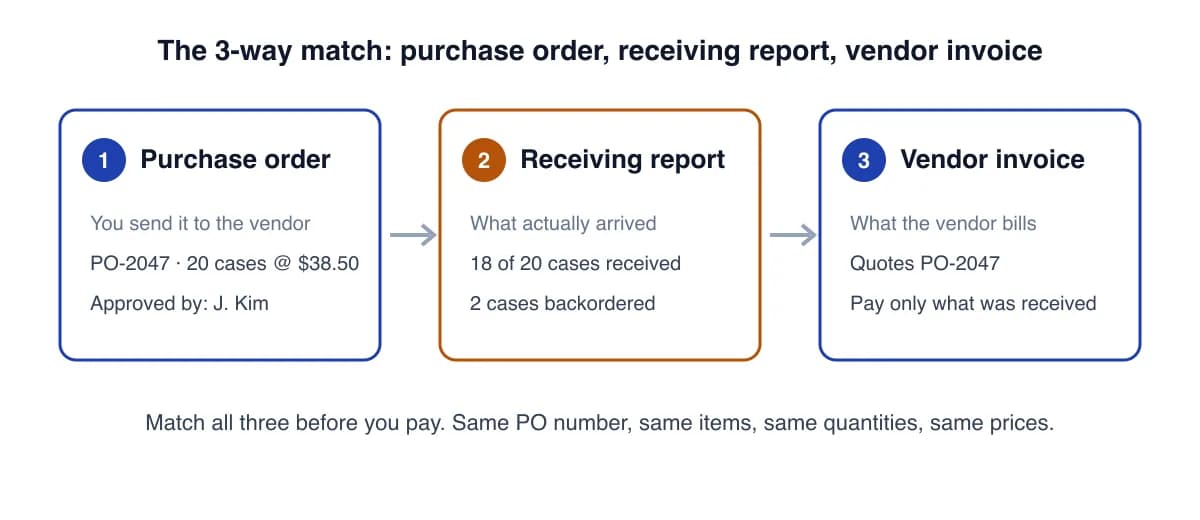
On paper, step 2 is the one that gets skipped. PO Pro keeps a register of your POs, records each delivery line by line, shows what is still outstanding and prints a receiving report for your files.
PO template formats: PDF, Excel or Word?
| Format | Best for | Watch out for |
|---|---|---|
| PDF form | Sending to vendors; prints the same everywhere; fillable by hand or on screen | Totals in the blank PDF are typed, not calculated |
| Excel | Automatic totals and tax, many lines, reordering from last month's file | Send vendors a PDF, not the editable file |
| Word | Teams that live in Word, letterhead, long terms and conditions | No formulas; check totals (or use the maker) |
| Online maker (this page) | Fastest: totals done, download any format | Draft is saved only in this browser |
Purchase order vs invoice
The buyer writes the purchase order before delivery to say "please supply this". The vendor writes the invoice after delivery to say "please pay for this", and quotes your PO number on it. Same items, two different authors and two different moments. If you are the seller, you need an invoice, not a PO.
Common purchase order mistakes
- Reusing a PO number after copying last week's file. Change the number first.
- Vague descriptions like "boxes". Give the vendor's item number, size and pack quantity.
- No delivery date or ship-to address, so goods turn up at the wrong place or too late.
- Skipping approval. Decide who signs POs and above what amount.
- Not checking deliveries against the PO, then paying for items that never arrived.
Need guidance for your trade? See purchase order templates by industry for what to put on a PO in construction, restaurants, retail, manufacturing and more.
These templates are general business documents, not legal or tax advice. A PO the vendor accepts can become a binding contract, so check the terms you use.
Frequently asked questions
What is a purchase order template?
A purchase order (PO) template is a ready-made form a buyer fills in to order goods or services from a vendor. It has fields for the PO number, dates, buyer, vendor and ship-to details, line items with quantities and prices, totals, terms and an authorized signature. Once the vendor accepts it, the PO is the agreed record of what was ordered and at what price.
Is this purchase order template really free?
Yes. The online PO maker and every template download (PDF, Excel and Word) are free, with unlimited purchase orders and no signup or email. PO Pro ($59/year) is optional and adds your logo, automatic PO numbering, saved vendors and items, an approval block and a receiving log.
Does Excel have a purchase order template?
Excel offers a few purchase order designs under File > New if you search for "purchase order", and they need an internet connection to download. Our Excel purchase order template is a plain .xlsx file with working formulas and no macros, so it opens in any version of Excel, Excel for the web, Google Sheets, Numbers and LibreOffice.
Does Microsoft Word have a purchase order template?
Word has some PO layouts in its online template library, but Word can't do the maths for you, so you have to add up each line by hand. If you want a Word file, use the maker on this page: it calculates every total, then downloads a finished .docx you can still edit.
What comes first, a purchase requisition or a purchase order?
The purchase requisition comes first. It is an internal request ("we need 20 cases of boxes") that a manager approves. The purchase order comes second: it is the external document you send to the vendor to place the approved order. Small businesses often skip the requisition and put an approval signature on the PO instead.
How do I number purchase orders?
Use a simple sequence that never repeats, such as PO-0001, PO-0002, or add the year (PO-26-001). Vendors quote the PO number on packing slips and invoices, so a duplicate number makes matching payments hard. PO Pro hands out the next number automatically.
Is a purchase order a legally binding contract?
A PO is an offer to buy. When the vendor accepts it, in writing or by shipping the goods, it usually becomes a binding contract on the terms it contains. That is why a PO should state quantities, prices, delivery dates and your terms clearly. This is general information, not legal advice.
Is my purchase order data private?
Yes. The maker builds the PDF, Excel and Word files inside your browser. Your vendors, prices and order details are not uploaded to our servers. A draft is kept only in your own browser so you don't lose your work.