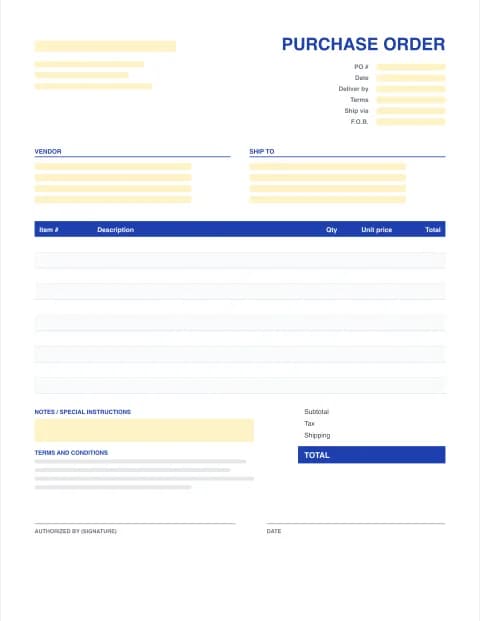
Purchase Order Form (Fillable PDF)
Fill in a purchase order form on screen, print it, or build a finished PO below with every total calculated, then download a clean PDF to send to your vendor.
- Fillable PDF fields
- Print and sign
- Totals done in the maker
- No signup
Online purchase order maker
Built in your browser. Your PO data never leaves your device.
Your Company Name
Street address, City, State ZIP
purchasing@company.com · (555) 555-0100
PURCHASE ORDER
- PO #
- PO-0001
- Date
- -
- Terms
- Net 30
- Ship via
- Ground
- F.O.B.
- FOB Destination
VENDOR
Vendor name
Vendor address
orders@vendor.com
SHIP TO
Ship-to name
Delivery address
| Item # | Description | Qty | Unit price | Total |
|---|---|---|---|---|
| Item description | ||||
| Item description |
TERMS AND CONDITIONS
1. Quote this PO number on every invoice, packing slip and delivery note. 2. Supply only the items, quantities and prices on this order. Tell us before shipping if anything changes. 3. Partial deliveries need our approval. Goods are accepted after inspection on receipt. 4. Send invoices to the buyer's email above. Payment follows the terms on this order.
- Subtotal
- $0.00
- Tax (0%)
- $0.00
- TOTAL
- $0.00
AUTHORIZED BY (SIGNATURE)
DATE
Made with PO Template Maker · potemplatemaker.com
PRO Do more with PO Pro
Already subscribed? Restore with your licence key
Printable purchase order forms (PDF)
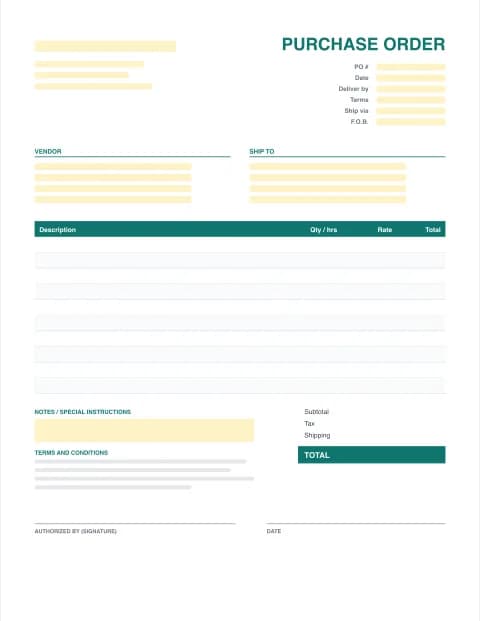
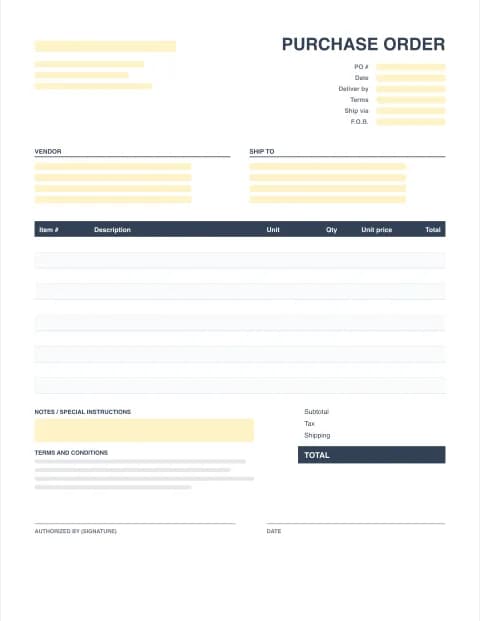
By the PO Template Maker editorial team · Last updated · Formulas checked against worked examples
Two ways to use this purchase order form
- Fill it in online (fastest). Type into the maker above. It adds up each line, the tax and shipping, then downloads a finished PDF that looks the same on every screen and printer.
- Download the blank fillable PDF. The blank PO form has yellow fields you can type into in any PDF reader, or print it and complete it by hand with a pen.
Fields on the purchase order form
| Section | What to write |
|---|---|
| Header | Your company name and address, PO number, PO date, deliver-by date |
| Terms | Payment terms (Net 30), ship via (ground, freight), F.O.B. point, requisitioner, quote or job reference |
| Vendor | Supplier company, sales contact, address, email or phone |
| Ship to | Where the goods go: your office, warehouse, store or job site |
| Items | Item number, description, quantity, unit price and line total |
| Totals | Subtotal, discount, tax, shipping, other charges, PO total |
| Sign-off | Terms and conditions, authorized signature and date |
F.O.B. explained in one minute
F.O.B. (free on board) says where ownership of the goods passes from vendor to buyer. FOB Destination means the vendor owns the goods, and carries the risk, until they reach your door. FOB Shipping Point means you own them once they leave the vendor's dock, so damage in transit is your claim with the carrier. If you are not sure, FOB Destination is the safer choice for a buyer.
Before you send the PO
- Check the PO number is new and matches your log.
- Confirm item numbers and prices against the vendor's quote, and add the quote number as the reference.
- Get the authorized signature.
- Email the PDF and ask the vendor to confirm the delivery date.
- When the goods arrive, check them against the PO before you approve the invoice.
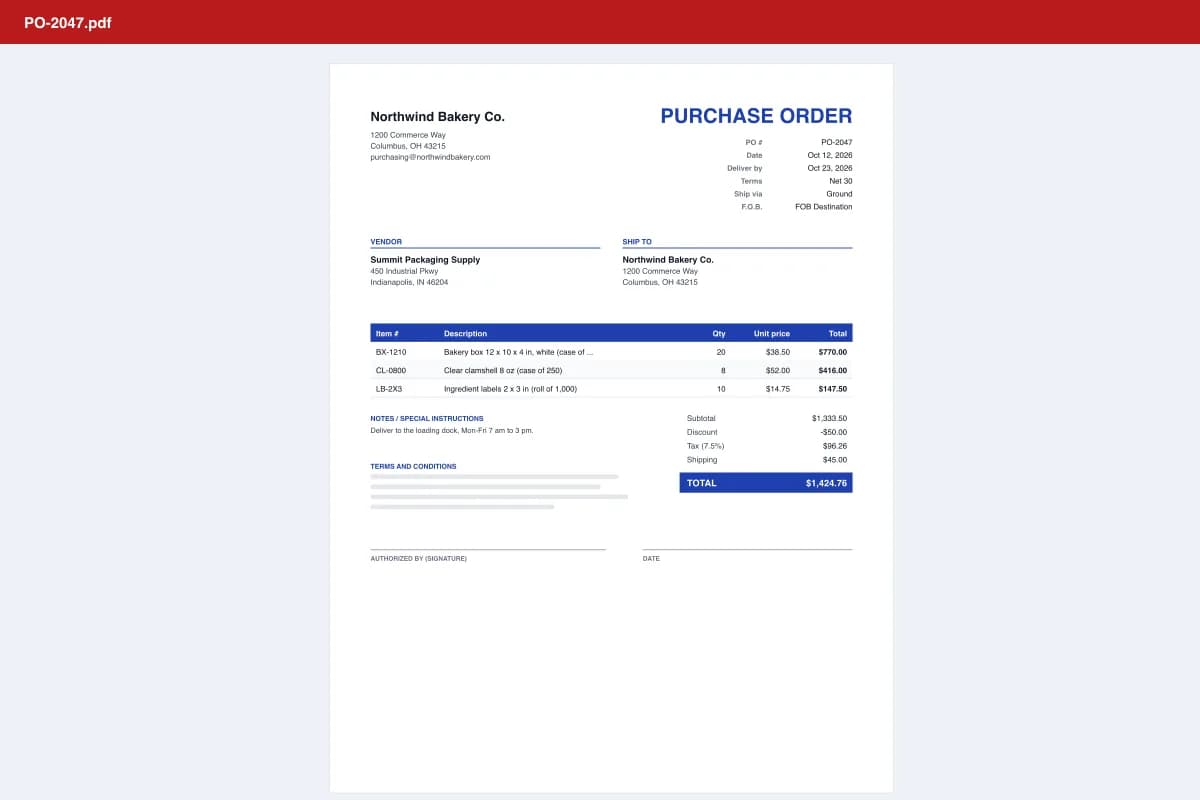
See a completed version: sample purchase order PDF. Need formulas instead? Use the Excel purchase order template. Tracking many orders? PO Pro adds a receiving log and prints a receiving report for each delivery.
Frequently asked questions
What is a purchase order form?
A purchase order form is the document a buyer fills in to order goods or services from a vendor. It records the PO number, buyer and vendor details, ship-to address, items, quantities, prices, totals, payment terms and an authorized signature.
Is the PDF purchase order form fillable?
Yes. The blank PDF has form fields you can click and type into in Adobe Acrobat Reader, Preview on a Mac, Chrome or Edge. You can also print it and fill it in by hand.
Does the PDF form add up the totals?
No. PDF form maths isn't reliable across viewers, so the blank PDF totals are typed. For automatic totals, fill in the online maker on this page and download the finished PDF, or use the Excel template.
How do I send a purchase order to a vendor?
Download the finished PO as a PDF and email it to the vendor's sales or orders address with the PO number in the subject line, for example "PO-0042 from Northwind Bakery". Ask the vendor to confirm the order and delivery date in writing.
Who signs a purchase order?
Someone in your company with authority to approve the spending: the owner, a manager or a purchasing lead. Many businesses set a limit, for example any PO over $2,500 needs a second approver.
How long should I keep purchase orders?
Keep POs with the matching receiving records and vendor invoices for as long as you keep your other tax records. Many US businesses keep supporting documents for at least 3 to 7 years; ask your accountant what applies to you.