Purchase Order Template for Excel
A free .xlsx purchase order with formulas that total every line, tax and shipping. Download the blank template, or fill in the form below and download a finished Excel file.
- Formulas built in
- Excel, Google Sheets & Numbers
- No macros
- No signup
Online purchase order maker
Built in your browser. Your PO data never leaves your device.
Your Company Name
Street address, City, State ZIP
purchasing@company.com · (555) 555-0100
PURCHASE ORDER
- PO #
- PO-0001
- Date
- -
- Terms
- Net 30
- Ship via
- Ground
- F.O.B.
- FOB Destination
VENDOR
Vendor name
Vendor address
orders@vendor.com
SHIP TO
Ship-to name
Delivery address
| Item # | Description | Qty | Unit price | Total |
|---|---|---|---|---|
| Item description | ||||
| Item description |
TERMS AND CONDITIONS
1. Quote this PO number on every invoice, packing slip and delivery note. 2. Supply only the items, quantities and prices on this order. Tell us before shipping if anything changes. 3. Partial deliveries need our approval. Goods are accepted after inspection on receipt. 4. Send invoices to the buyer's email above. Payment follows the terms on this order.
- Subtotal
- $0.00
- Tax (0%)
- $0.00
- TOTAL
- $0.00
AUTHORIZED BY (SIGNATURE)
DATE
Made with PO Template Maker · potemplatemaker.com
PRO Do more with PO Pro
Already subscribed? Restore with your licence key
Excel purchase order templates (.xlsx)
By the PO Template Maker editorial team · Last updated · Formulas checked against worked examples
What the Excel purchase order template calculates
Most purchase order templates for Excel are only a formatted grid. This one is built so the numbers can't drift: every money cell is a formula, the cells you type into are pale yellow, and the page prints on one US Letter sheet.
| Cell | Formula |
|---|---|
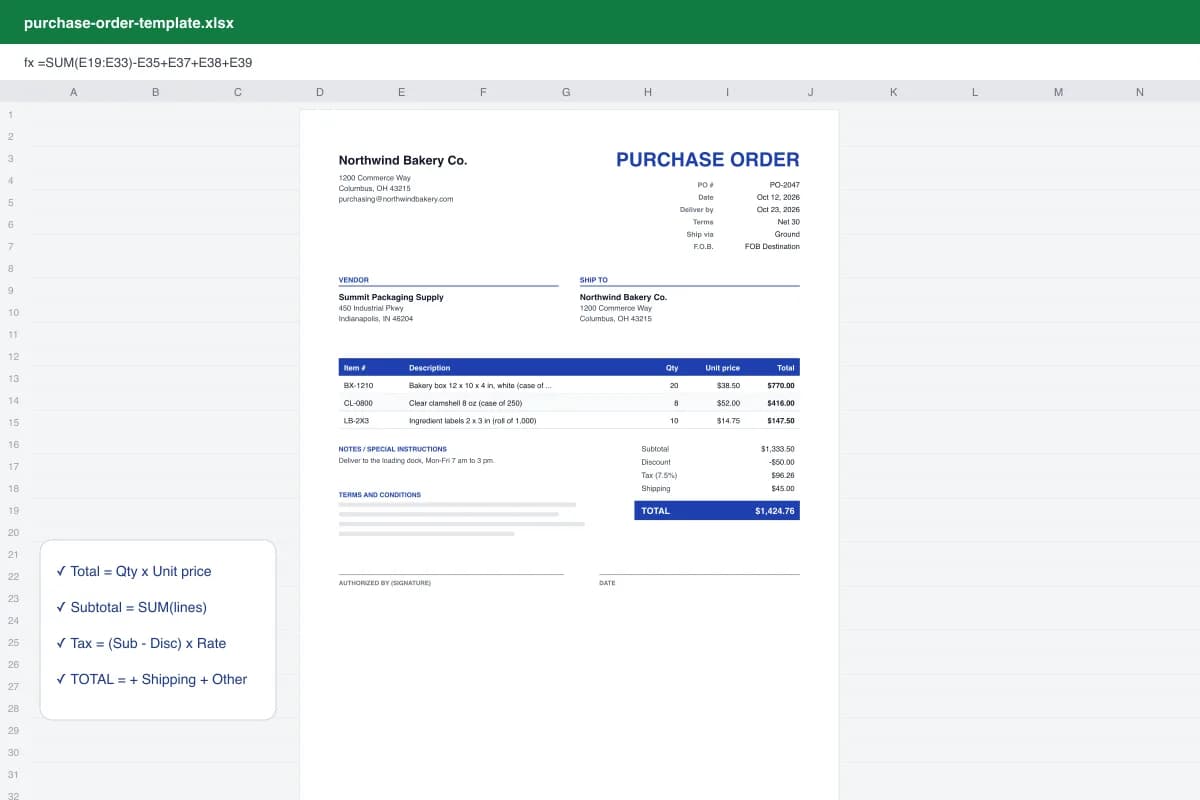
| Total (each line) | Qty x Unit price, rounded to cents. Blank lines stay blank. |
| Subtotal | SUM of every line total, including rows you insert inside the table. |
| Tax | (Subtotal - Discount) x Tax rate. |
| PO TOTAL | Subtotal - Discount + Tax + Shipping + Other. |
How to make a purchase order in Excel
- Download the .xlsx. Download the blank Excel purchase order template and open it in Excel, Excel for the web or Google Sheets.
- Fill the pale-yellow cells. Replace the [bracketed] text with your company, vendor and ship-to details, then the PO number, dates, terms, ship via and F.O.B.
- Type the line items. Enter item number, description, quantity and unit price. The Total column, Subtotal, Tax and PO TOTAL calculate on their own.
- Save and export to PDF. Save a copy named after the PO number (PO-0042.xlsx), then File > Save As > PDF and send the PDF to your vendor.
Want to see it filled in first? Open the sample purchase order in Excel: 3 lines of packaging supplies, a $50 discount, 7.5% tax and $45 shipping for a PO total of $1,424.76.
Three Excel layouts
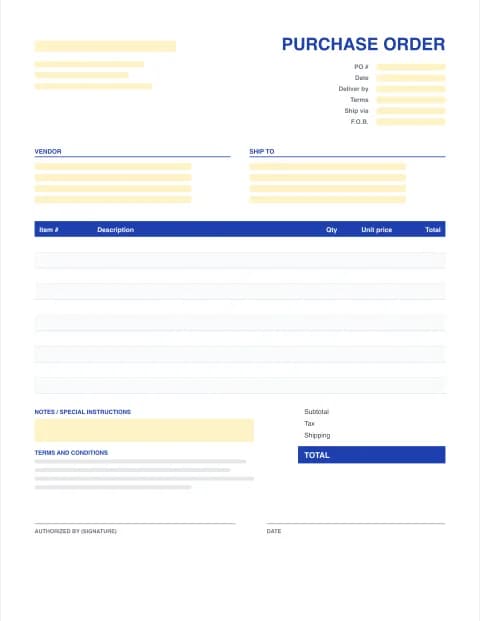
- Standard PO: item #, description, qty, unit price, total. For supplies, stock and office orders.
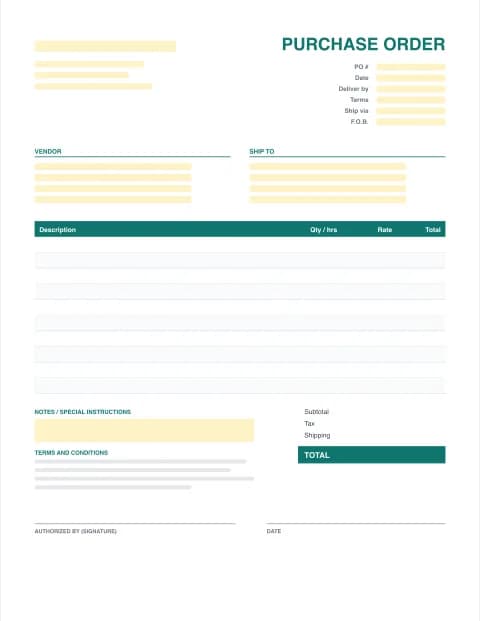
- Service PO: description, qty or hours, rate. For contractors, repairs and IT.
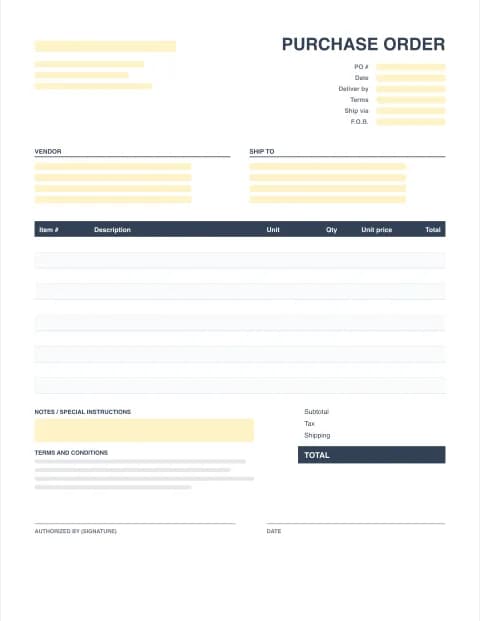
- Materials PO: adds a unit of measure column (ea, box, ft, lb) for construction and manufacturing.
Tips for running POs in a spreadsheet
- One file per PO, named after the PO number, in one folder per year.
- Keep a simple PO log on a separate sheet: PO number, vendor, date, total and status (open, received, paid).
- Send vendors a PDF. An editable .xlsx can be changed or display differently on their computer.
- Lock the formula cells (Review > Protect Sheet) if several people use the same template.
When the log gets messy, PO Pro does it for you: numbering, approval status, a receiving log per line and a CSV export of your PO register. Prefer a printable form? Use the fillable PDF purchase order form.
Microsoft and Excel are trademarks of Microsoft Corporation. This site is not affiliated with Microsoft.
Frequently asked questions
Can I download a purchase order format in Excel for free?
Yes. The standard, service and materials purchase order templates on this page are free .xlsx downloads with no signup or email. Each has formulas for line totals, subtotal, tax, shipping, other charges and the PO total.
How do I make a purchase order in Excel?
Start from a template rather than a blank sheet: download the Excel PO template, fill in the yellow input cells, type your items and let the formulas total them. Save one file per PO and export it to PDF before sending it to the vendor.
Does the Excel PO template work in Google Sheets?
Yes. In Google Sheets choose File > Import > Upload and select the .xlsx file. All formulas, colours and print settings carry over. It also opens in Apple Numbers and LibreOffice Calc.
How do I add more rows to the Excel purchase order?
Right-click a row number inside the item table and choose Insert. Copy the Total formula from the row above into the new row. The Subtotal formula uses a range, so rows inserted inside the table are included automatically.
Can Excel number my purchase orders automatically?
Not safely. A single spreadsheet can't remember which number you used last across files, so most people type the next number by hand. PO Pro gives every new PO the next number automatically and keeps a register of all of them.
Does the template contain macros?
No. It is a standard .xlsx with plain formulas, so Excel opens it without a security warning.